How to Never Miss Critical Alerts: The Power of Notification Syncing
Stop picking up your phone every two minutes. Notification syncing across devices lets you monitor critical alerts from your desktop without breaking flow. All protected by E2EE.
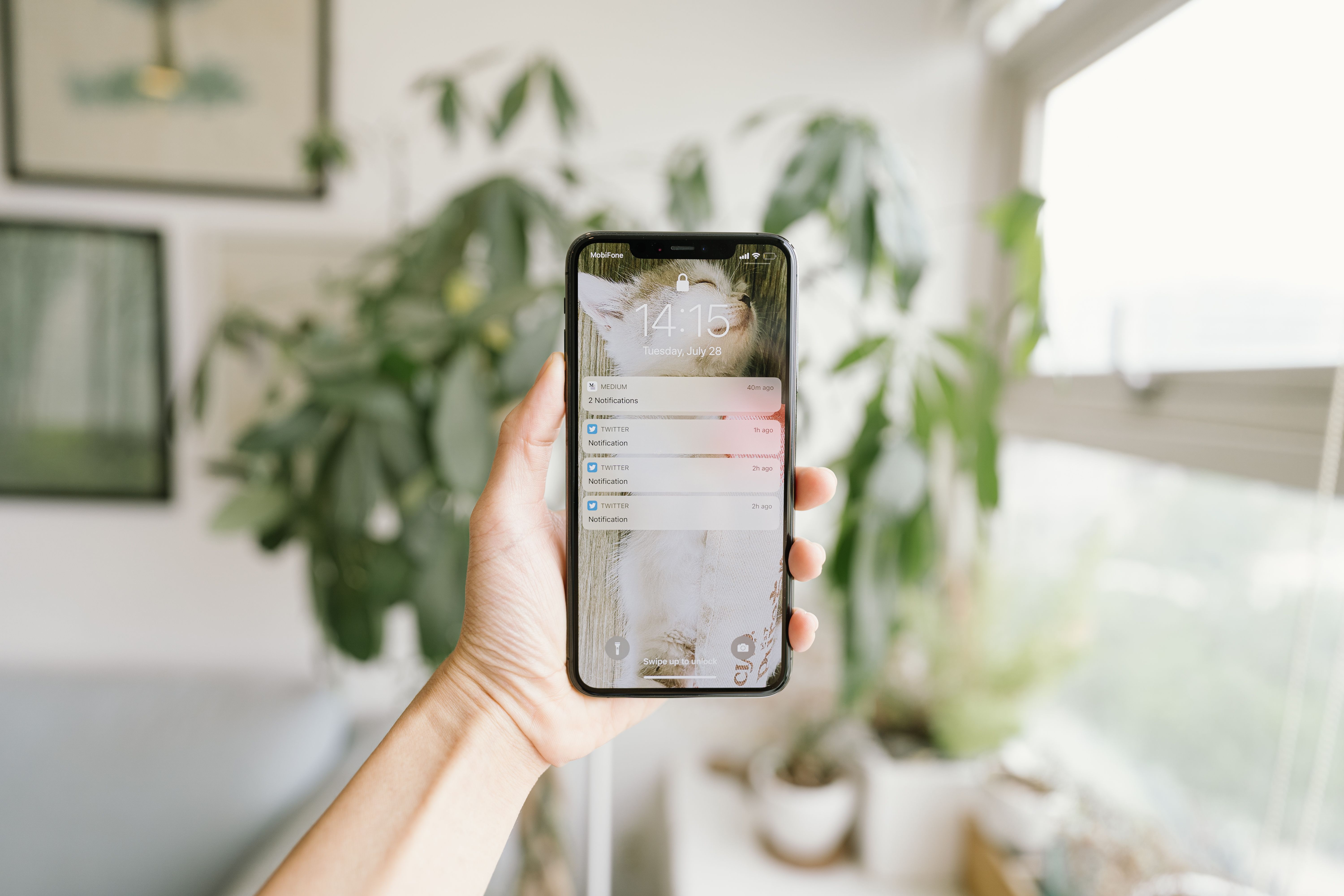
Every time your phone vibrates, a subconscious countdown begins. You wonder: Is that an emergency? A client email? A server alert? Or just junk mail? To find out, you pick up the phone. Even if you just look at the screen for two seconds, the damage is done. Your brain has officially checked out of your work environment.
Achieving a true productivity focus requires a system where your devices communicate with each other, filtering out the noise while ensuring you stay connected to what matters. This is where notifications across devices change the game.
The Hidden Cost of the “Phone Pickup”
It seems harmless to check your phone for a quick second, but research shows that it takes an average of 23 minutes to regain deep focus after a single distraction. When your phone sits next to your laptop, it acts as a constant psychological anchor pulling you away from your task.
Turning your phone completely off isn't always an option either. You might be waiting for a critical security token, an urgent message from a family member, or a real time system alert.
The traditional solution is broken. You shouldn't have to sacrifice your peace of mind or break your focus mode just to stay informed. You need a bridge that lets you sync phone alerts to desktop seamlessly.
Streamlining Your Attention with Sync Across Devices
Imagine a workflow where you never have to guess what your phone is buzzing about. You are deep in a coding or design session, and a notification gently appears in the corner of your desktop monitor.
It is a low priority notification, so you glance at it and dismiss it with a single click—without ever touching your phone. Your phone screen stays dark, and your hands never leave your keyboard.
This simple utility brings immense clarity to daily scenarios:
- Two Factor Authentication: A 2FA push notification arrives on your phone, mirrors directly to your desktop browser, and lets you log in without interrupting your workflow to search for your device.
- Urgent Communications: Client pings or platform errors surface immediately in your peripheral vision, ensuring rapid response times for critical events.
- Smart Filtering: You see at a glance that a notification is just a routine app update, allowing you to ignore it safely and keep your momentum going.
By creating a unified stream, you turn your hardware ecosystem into a coordinated assistant rather than a collection of competing screens.
Dismissing a notification on your desktop should clear it on your phone, not duplicate it.
Privacy in the Push: End to End Encryption
Just like your clipboard, your notification stream carries deeply sensitive information. Text message previews, authentication codes, personal names, and proprietary project updates all flash across your notifications daily.
If a tool that works across devices processes these notifications in plain text on their servers, your entire private history is left exposed to cloud vulnerabilities.
Security cannot be an afterthought when handling live data streams. That is why a trusted sync across devices architecture requires End to End Encryption (E2EE) by default. Your phone must scramble the notification package locally before sending it across the network, ensuring that only your designated desktop hardware has the key to decrypt and read it. The server facilitating the synchronization simply acts as a blind delivery agent.
The IDoSync Unified Ecosystem
Unifying your workspace means going beyond standalone tools. IDoSync treats your digital presence as a single cohesive unit.
With IDoSync, notification management across devices works flawlessly alongside your secure universal clipboard and contact hub. When a notification mirrors to your computer, dismissing it on your desktop automatically clears it from your phone. No duplicate clearing, no trailing alert noises, and absolutely zero tracking.
Every single notification transfer is fully protected by enterprise grade E2EE from the moment you link your devices, keeping your digital footprint completely confidential. Read more about how we keep the rest of your personal data in the same boundary, starting with clipboard sync.
Protect Your Focus
Your focus is your highest value asset. Stop letting random vibrations dictate your attention spans and fracture your productivity.
By centralizing your notification architecture, you put yourself back in control of your time. You can work with absolute peace of mind, knowing that if something truly critical occurs, you will see it instantly—and if it doesn't, your flow state remains entirely unbroken.
Read Next
- AI Wants to Remember Everything. Should It?September 29, 2026 · 5 min read
- SpaceX's $60B Cursor Acquisition: A Dangerous Power GrabJune 19, 2026 · 5 min read
- Designing the Ultimate Quick Capture Scratchpad: Frictionless Note TakingMay 23, 2026 · 4 min read
- How to Encrypt Your Clipboard When Syncing Across DevicesMay 22, 2026 · 4 min read
- What Happens to Your Data When You Sync Clipboard?May 22, 2026 · 4 min read
- Ending the Duplicate Contact Nightmare: Centralizing Your ConnectionsMay 22, 2026 · 4 min read
- Stop Emailing Yourself Links: Why You Need a Universal ClipboardMay 20, 2026 · 5 min read
